 Documentation For Partners
Get all at the lowest price
Prerequisites
Before you begin, make sure you have:
- A working internet connection
- A suitable programming language or API client (such as Postman, CURL, or your preferred language’s HTTP library)
API Endpoint
JSON
- https://export.white.market/v1/prices/{APP}.json
- https://export.white.market/v1/prices/{APP}.10min.json
- https://export.white.market/v1/prices/{APP}.1hour.json
- https://export.white.market/v1/prices/{APP}.12hours.json
- https://export.white.market/v1/prices/{APP}.24hours.json
CSV
- https://export.white.market/v1/prices/{APP}.csv
- https://export.white.market/v1/prices/{APP}.10min.csv
- https://export.white.market/v1/prices/{APP}.1hour.csv
- https://export.white.market/v1/prices/{APP}.12hours.csv
- https://export.white.market/v1/prices/{APP}.24hours.csv
Replace {APP} with the corresponding value for your desired application:
- 730 - for CS2
10min, 1hour, 12hours or 24hours - max delivery time from seller.
Response Fields
The API response contains the following fields:
- market_hash_name - namehash of the skin
- price - price value in USD
- market_product_link - link to product group of particular skin
- market_product_count - count of products in skin group
- cheapest_asset_id - asset ID of cheapest skin
- cheapest_float - float value of cheapest skin
- paint_index - paint index of cheapest skin
- paint_seed - paint seed of cheapest skin
- inspect_link - inspect link of cheapest skin
To participate in affiliate program you need a third field - market_product_link. Value in this field is the link which leads to the product on the WhiteMarket with the best price.
Record Key
The key of a record is the pair (market_hash_name, paint_index), not market_hash_name alone.
Steam does not encode the Doppler phase in market_hash_name — it lives in paint_index.
Phase-bearing items (Doppler, Gamma Doppler) therefore appear as several rows sharing the same
market_hash_name with different paint_index, each with its own price. Keying by
market_hash_name only will pick an arbitrary phase and can be off by an order of magnitude
(e.g. ★ Butterfly Knife | Doppler (Factory New): Phase 4 ≈ $2 281, Ruby ≈ $13 406).
cheapest_float is null for items that have no float at all (agents, stickers, cases) and may
also be null when the cheapest lot of a group carries no float value.
Data Freshness
Every export file has a sidecar with freshness metadata at <file>.meta.json, for example
https://export.white.market/v1/prices/730.json.meta.json:
{
  "file": "730.json",
  "data_as_of": "2026-07-31T10:30:02+00:00",
  "generated_at": "2026-07-31T10:32:54+00:00",
  "items": 20848
}
data_as_of- the moment the underlying data snapshot was taken. This is the real age of the data, and it is always earlier than the file’sLast-Modified.generated_at- the moment the file itself was built.items- number of records in the file.
The feed is a snapshot, not a realtime stream: typical age of the served data is a few minutes,
so the cheapest lot of a popular item may already be sold. Use data_as_of to decide whether a
snapshot is fresh enough for your use case.
Example Usage of API
Postman
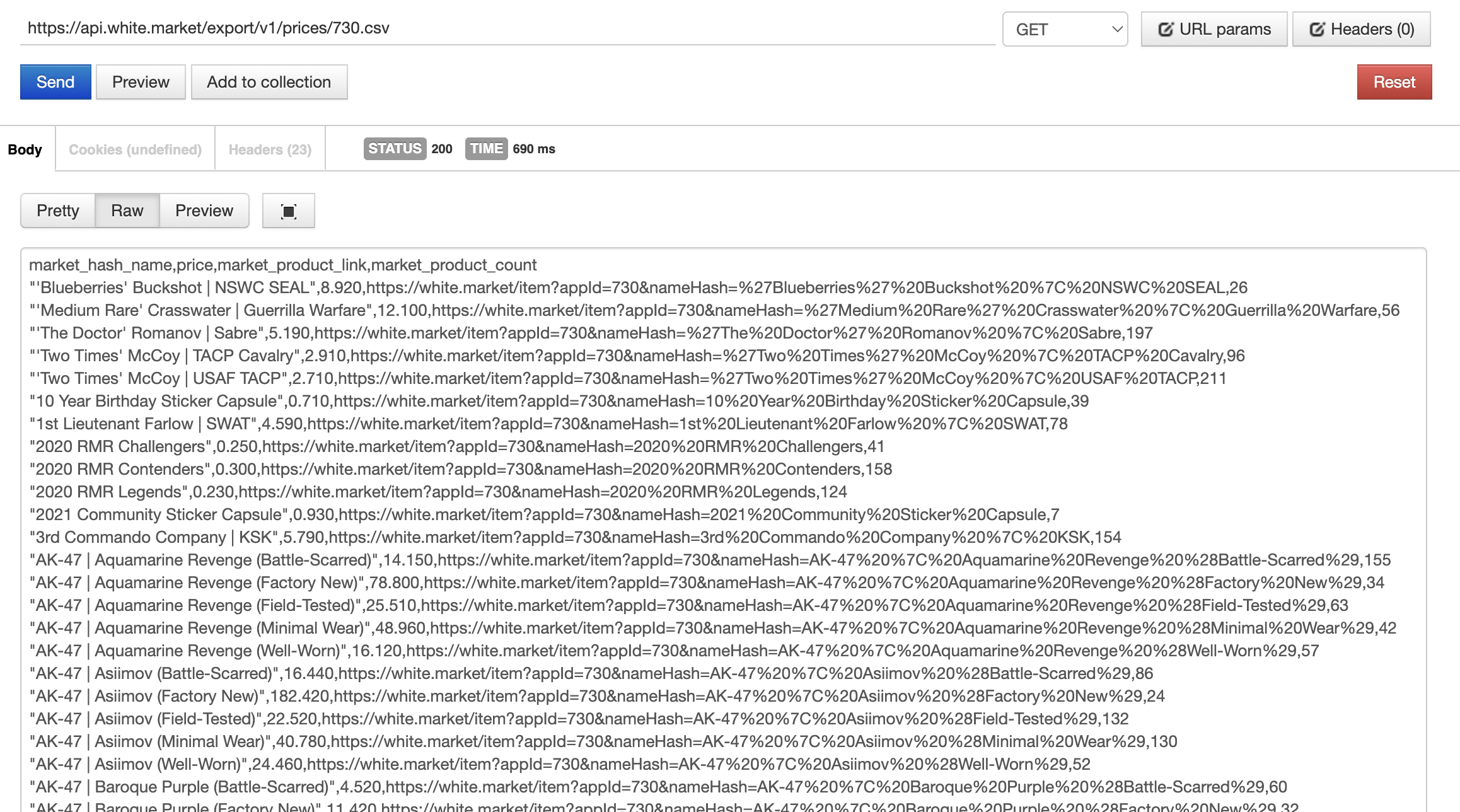
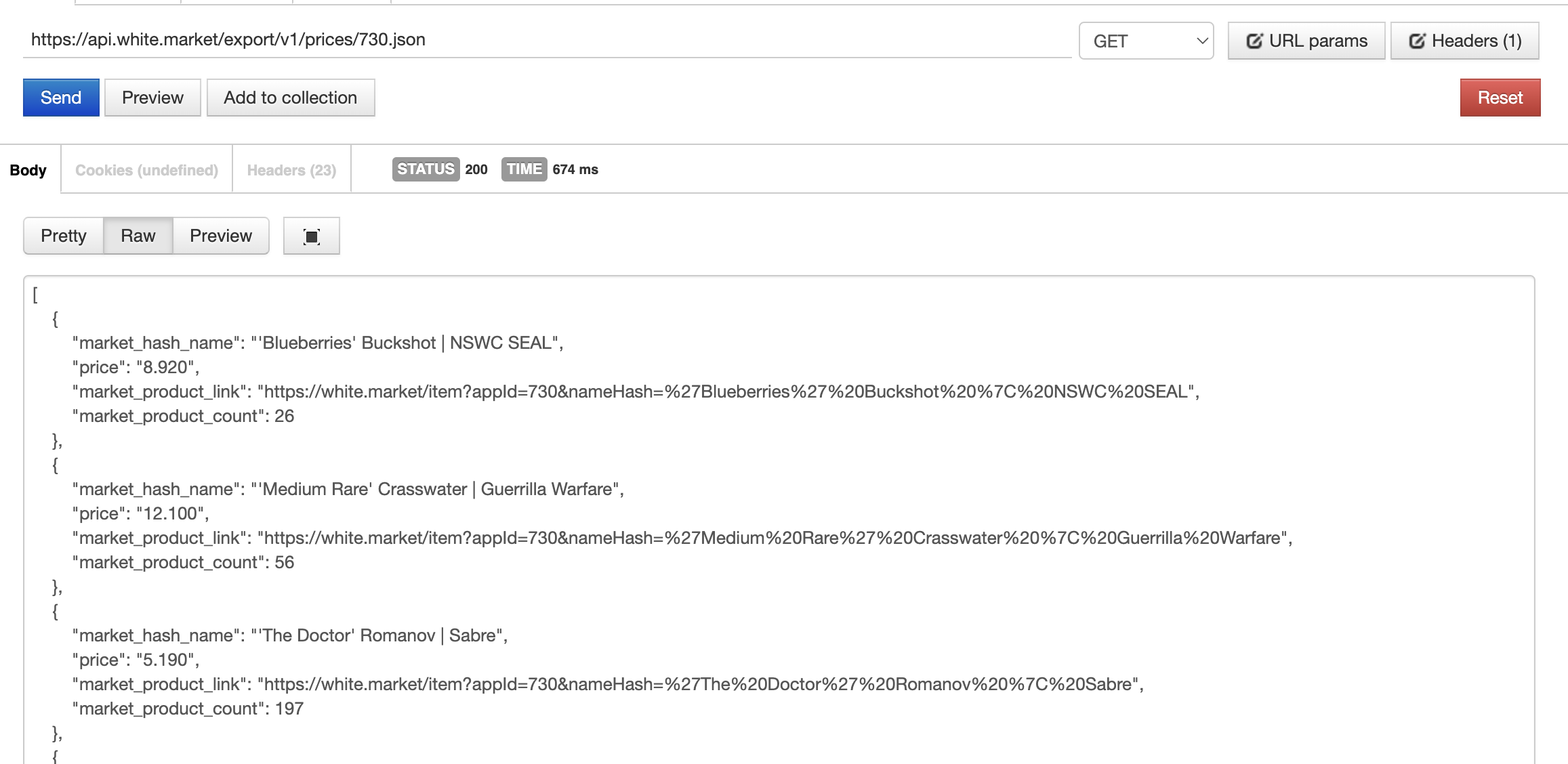
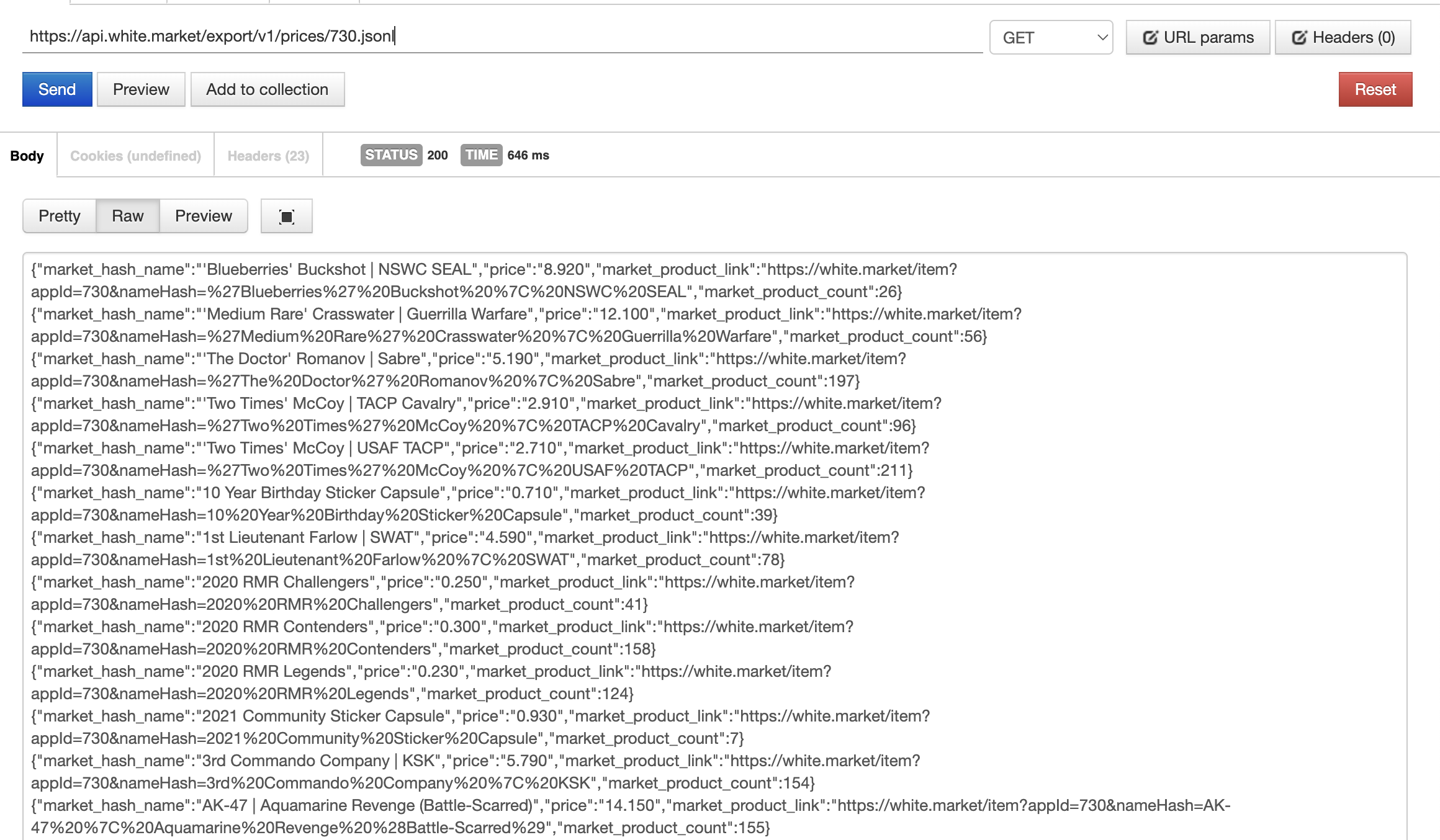
CURL
To obtain prices of CS2 skins in JSON format, use the following CURL command:
curl -X GET "https://export.white.market/v1/prices/730.json"
Python
Here’s an example of how to use the API with Python and the requests library:
import requests

url = "https://export.white.market/v1/prices/730.json"

response = requests.get(url)

if response.status_code == 200:
    data = response.json()
    print(data)
else:
    print(f"Error: {response.status_code}")